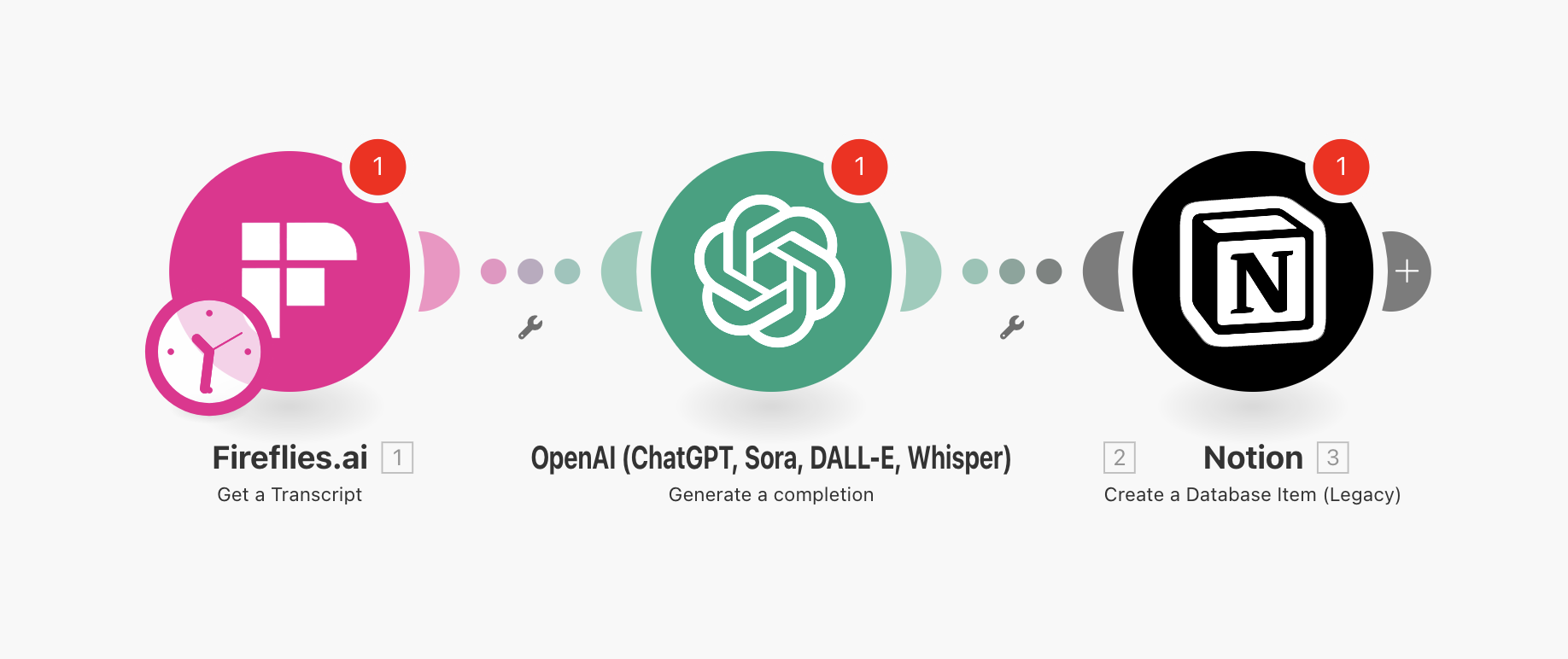
How to Deploy Your AiGanak Meeting OS
Follow these 6 steps to activate your AI automation:
1. Prepare the File
- Download and Unzip the
AiGanak-Meeting-OS-v1.zip to your desktop. You will need the .json file inside.
2. Import to Make.com
- Log in to your Make.com account.
- Click "Create a new scenario" (top right).
- Click the Three Dots (...) in the bottom menu and select "Import Blueprint".
- Select the
AiGanak-Meeting-OS-v1.json file.
3. Connect Your Transcript Source
- Click the Fireflies/Zoom module (the trigger).
- Click "Add" to authorize your account.
- Select the folder or meeting type you want the AI to monitor.
4. Configure the AI Summarizer (OpenAI)
- Click the OpenAI module.
- Click "Add" and paste your OpenAI API Secret Key.
- Note: This module is pre-loaded with AiGanak Meeting Logic to extract tasks from casual conversation.
5. Connect Your Task Database (Notion)
- Click the Notion module.
- Click "Add" to connect your workspace.
- Select your "Meeting Notes" or "Tasks" database.
- Map the "Summary" and "Action Items" fields from the OpenAI module into your database columns.
6. Test & Activate
- Click "Run Once" and upload a test transcript to your source.
- Check your Notion database for the auto-generated tasks.
- Switch the scenario to "ON" to automate every future meeting.